Replacement
Part of CRM costs and vendor selection
Comparing per-user plans and feature restrictions
Map CRM seats and editions to user tasks, then compare feature limits, add-ons and billing terms.
Compare CRM plans by matching each person's task to a seat. Check the proposed edition's feature and usage limits. Price purchased seats, including seats reserved for later use. A feature listed for a product may still be unavailable to the quoted user type or plan.
Count the roles and the seats
List who edits customer work, approves it, administers the CRM and only reads results. Include occasional users and teams receiving a handover. Ask which roles need a full paid seat and which can use a narrower type of access. Record the seat count on the offer, the rules for changing it and the date a change takes effect.
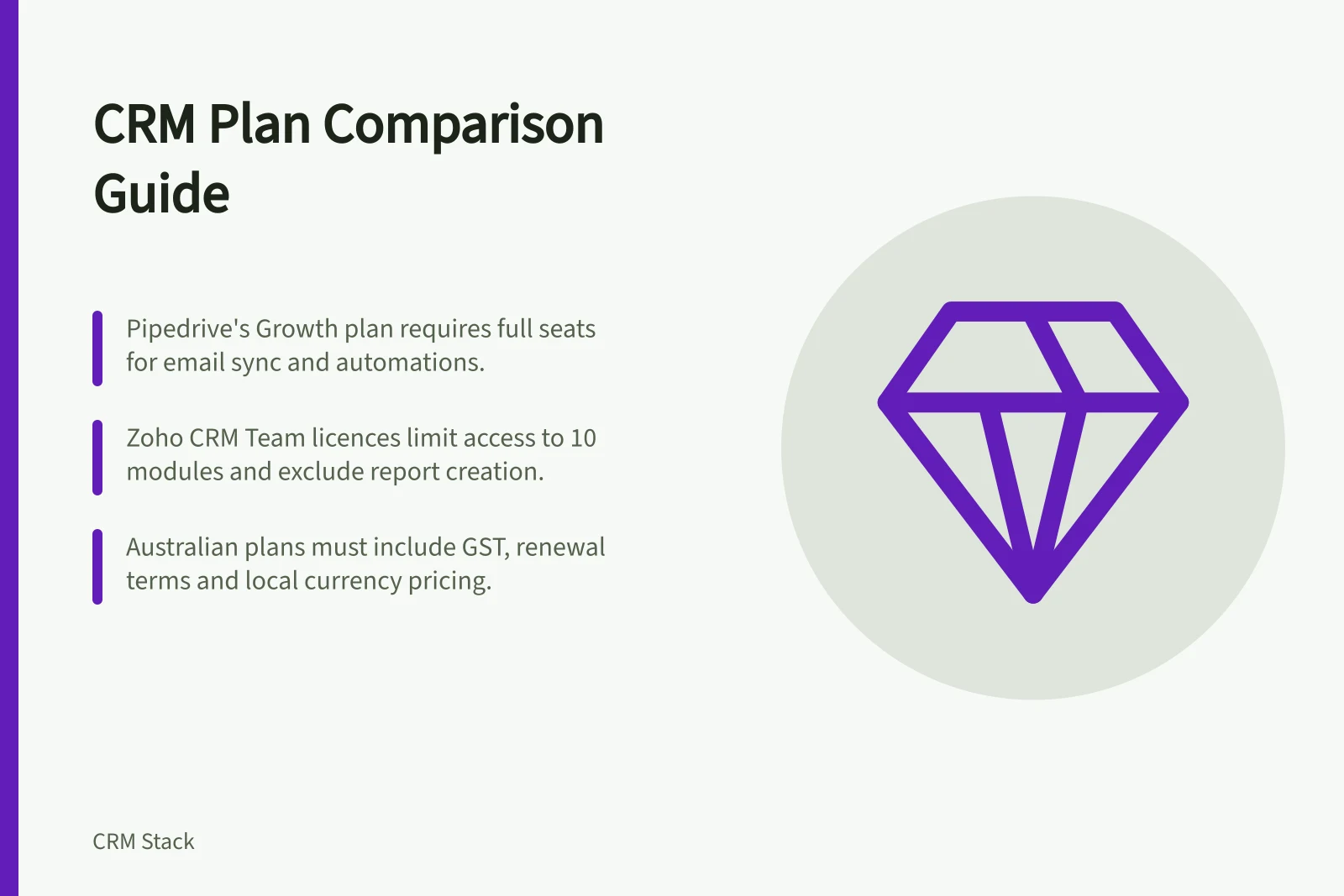
Compare the same billing period and currency. An annual monthly equivalent usually comes with an upfront annual commitment. Obtain the Australian offer's GST treatment and renewal terms. Do not convert a foreign website price into a budget.
Check results, then limits
| Required result | Access question | Limit or condition to record |
|---|---|---|
| Maintain a deal | Which user type can edit it? | Record or pipeline allowance |
| Review a report | Can this role see the required report? | Edition, report limit and visibility |
| Assign follow-up by rule | Is the automation available? | Workflow or action allowance |
| Require information at a stage | Which controls apply to this route? | Edition and entry routes covered |
| Export records | Who can run the needed export? | Permission, scope and format |
A plan can include a feature but limit how much of it the account may use. Pipedrive, for example, publishes different new-plan limits for custom fields, reports, automations and leads plus deals. Record current account limits and the available remedy for exceeding one.
Key Usage Limits by Plan – Pipedrive
Compare two seat and edition structures
Pipedrive: Lite, Growth, Premium and Ultimate are its current new plans. Email sync and automations start at Growth. Required and pipeline-specific fields appear at Premium. A purchased seat is charged even if unassigned. Check the account's plan, add-ons, limits and any older-plan entitlements. Treat a displayed feature as available only after that check.
Zoho CRM: Team-user licences in the CRM For Everyone interface have limited access to organisation modules. They can view and add notes, tags and attachments to records in up to 10 organisation modules. They cannot own those records or work with reports and dashboards. Check the receiving team's actual task before counting that licence as a substitute for a full CRM user.
Record the buying answer
For each candidate, keep the vendor's written answer. It should state which roles need which seats, which edition completes each essential task, what limit applies and what changes when the team grows. Mark any unanswered point as unresolved. Compare totals only once the same work and term are covered.