Automation
Part of CRM automation
Creating follow-up tasks without duplicates
Set task-worthy triggers, define equivalent open work and check repeat entry before automating CRM follow-up tasks.
To create follow-up tasks without duplicates, define what counts as the same outstanding action, then check for it before creating another. A task should represent a specific piece of customer work, not every edit to a CRM record.
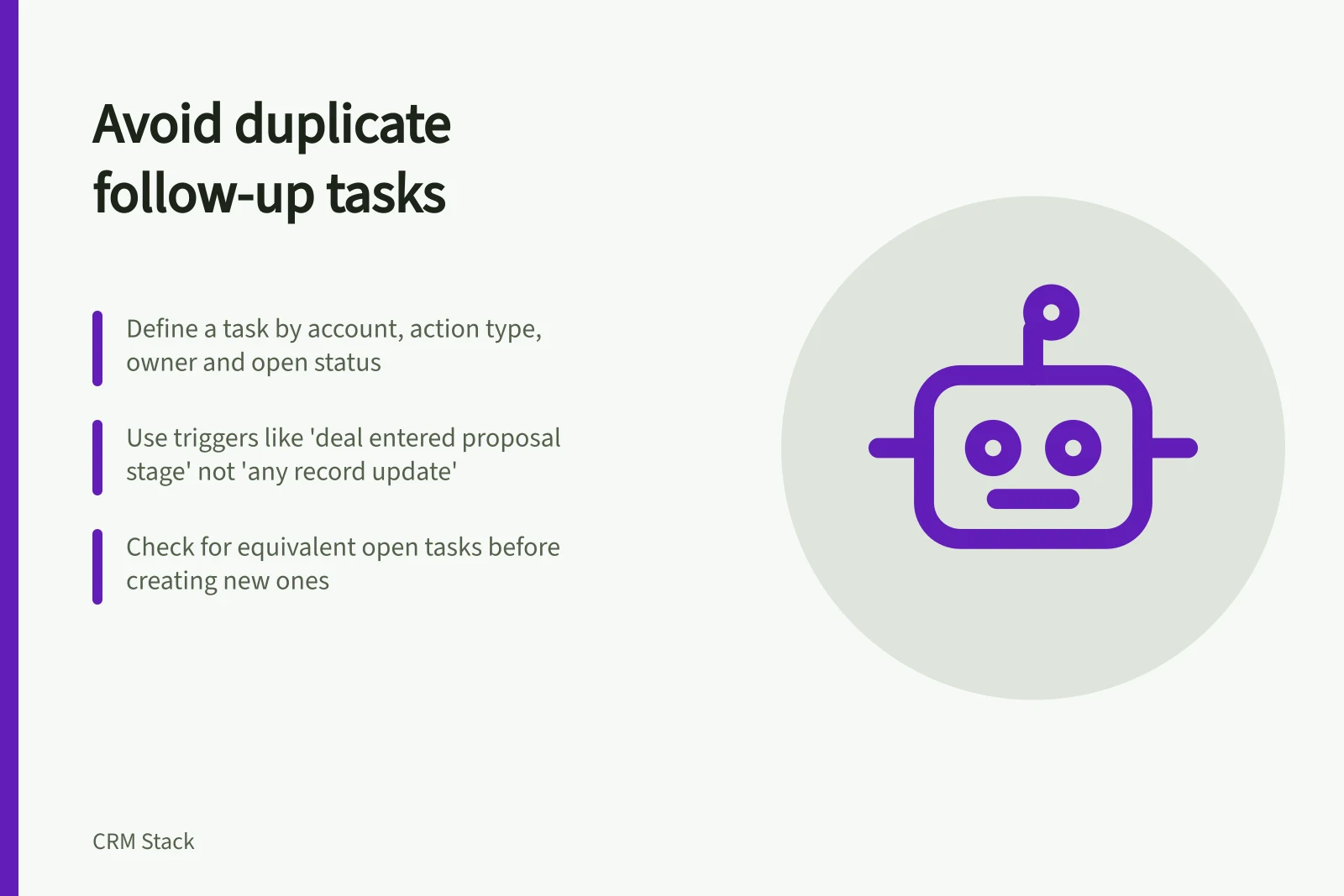
Choose an event that means new work
Use a trigger such as an accepted enquiry or an opportunity entering a stage that calls for a specific action. Avoid “any record update” unless every update truly creates new work. A corrected name or revised deal value should not produce another reminder for the same commitment.
Specify the task’s action, owner, due date and related record. Keep the work separate from the event that starts the rule: “send the agreed scope” might be the task, while “deal entered proposal stage” is the trigger. If the scope has already been sent, the rule needs an exclusion or a different result.
Key CRM Task Automation Guidelines (Australia)
- Recommended trigger
- Deal entered proposal stage
- Avoid using
- Any record update
- Task fields to check for duplicates
- Assignee, due date, record association
- CRM platform support
- HubSpot & Salesforce
Define an equivalent open task
A matching title alone is a weak duplicate check; people can describe the same job differently. A practical definition may combine the related account or opportunity, action type, responsible team and open status. Decide whether an overdue task, a task with the wrong owner or a task linked to the wrong record should be corrected or sent for review.
Case / Intended outcome
- Equivalent open task exists
- Keep it; update or review it under an agreed policy.
- Task was completed and new work arose
- Create a new task with a new reason.
- Trigger repeats without new work
- Create nothing.
- Existing task has the wrong owner
- Correct or reassign it.
Implement the definition using conditions, lookup actions or an approved integration that the CRM actually supports. HubSpot’s task documentation lists fields including assignee, due date and record association. Build the equivalence check into the task-creation path.
Control every creation path
Review re-entry settings and other rules or integrations that create the same task. HubSpot workflows let you configure re-enrolment and unenrolment settings in the workflow editor. Check those settings alongside any other path that could create equivalent work.
A check followed by a create action may also race with another process checking the same record. Where simultaneous creation is possible, use one designated task-creation path or a supported unique guard. If neither is available, monitor and reconcile duplicates rather than promising they cannot occur.
Before wider use, check the first qualifying event, a harmless edit, a repeated event, an existing open task, a completed task followed by new work and an owner change. Inspect the task list and related record for each case. If equivalent tasks cannot be identified reliably, narrow the trigger and route uncertain cases for review.