Automation
Part of CRM mobile use
Choosing mobile CRM features for field sales
Compare field sales mobile CRM needs with documented offline functions, plan limits and visit tasks.
Choose mobile CRM features by asking field staff to complete the work they do between visits: find the right customer, read the current commitment, record a change and leave a next action. Include unreliable coverage, ordinary permissions and device exposure in the evaluation. A plan table does not show whether the whole task works on a phone.
Turn visits into acceptance criteria
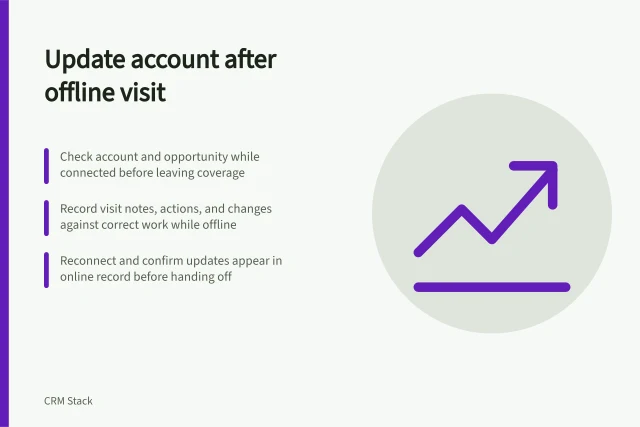
Describe the result for each task. For example, after a visit without coverage, the representative records a changed scope against the intended account and later confirms that a colleague can see it. Include a difficult case such as similar account names, a new contact or another person editing the record before sync.
For each candidate, ask which records are available before departure, which actions work offline, how pending changes or errors appear, and what a colleague sees after reconnection. Check how much customer information the app keeps on the device under the proposed access policy.
Three documented options to assess
Confirm the offered subscription, device and configuration before buying.
Pipedrive is relevant when staff mainly update deals, activities and notes. Its Android and iOS apps accept offline changes and sync new or updated data after reconnection. Pipedrive's table for its newer Lite, Growth, Premium and Ultimate plans lists mobile apps, activity management and custom fields across all four.
It lists important-field reminders from Growth and required fields from Premium. Its separate required-fields help still uses older plan names.
Zoho CRM is relevant when Android users need locally available CRM records. Zoho documents offline add, modify and delete actions for locally stored data and an administrator setting for mobile access by profile.
Salesforce is relevant when a team already uses configured Salesforce records. Its mobile app separates cached viewing from Offline Edit, which must be enabled for offline changes.
Make the selection decision
Give each candidate the same sample account and expected result. With normal user access, check preparation, an offline visit update, reconnection and a colleague's view of the resulting record.
Record blocked actions, unsynced changes and unnecessary device data. Choose the option whose proposed plan can support the essential mobile workflow.