Contact Data
Part of CRM mobile use
Steps for updating an account after an offline visit
Record an offline customer visit, verify the later CRM sync and hand off the next action.
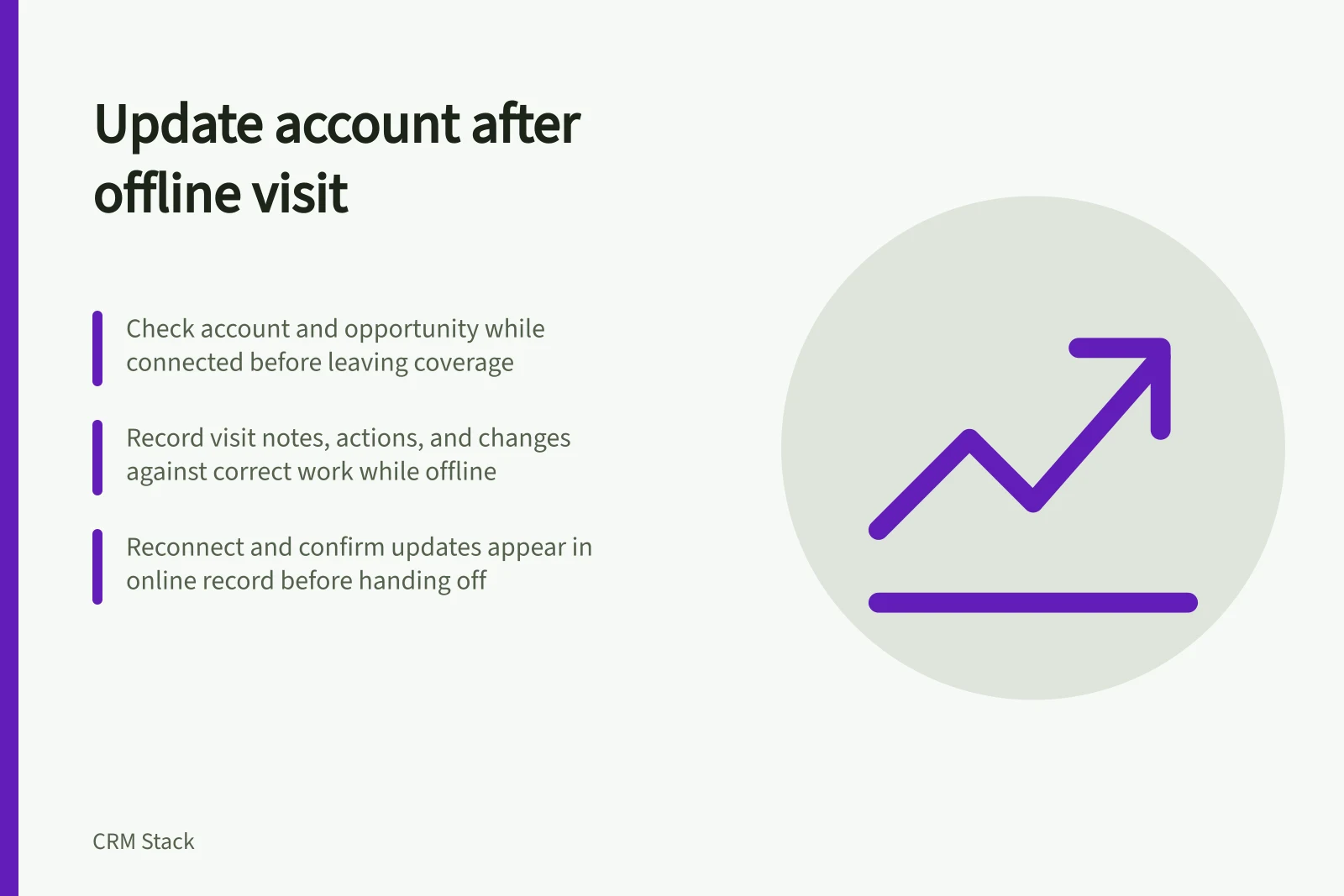
Check the intended account while connected, record the visit against the right work while offline, then reconnect and confirm the update in the online record.
Pipedrive’s mobile apps let you add notes and activities and move deals while offline. When internet access returns, new or updated data syncs automatically to the web app; a connection icon alone does not confirm a particular change.
Prepare the record before leaving coverage
While connected, open the intended account and relevant opportunity. Check the customer unit, contact and open work.
If the app uses cached records, confirm that the intended record is available offline before departure.
Capture the visit against the right work
While offline, record the visit as a note or activity against the intended customer. Record when it happened, who took part, what the customer requested or confirmed, and what remains uncertain.
Put a change to a proposal on the relevant opportunity. Put information about the continuing relationship on the account.
Record a promised future action with an owner and date. If it cannot be saved offline, complete it after reconnecting.
If a customer requests a revised scope but has not accepted the price, keep the request and the unconfirmed price distinct. Do not enter an estimate as an agreed price to complete a form.
If you cannot identify the correct account offline, do not guess at the link. Resolve the match when connected before attaching the visit to a CRM record.
Reconnect, inspect and hand over
After the phone reconnects, Pipedrive syncs new or updated data from its mobile app to the web app automatically. Open or refresh the online record and check the account link, opportunity update, visit note or activity, and next action, including its owner and date.
Treat the change as confirmed when it appears in the online record, not merely because the phone shows a connection. If a change is missing, keep its pending details and investigate before discarding them.
If another person changed the same record, compare its online details with the visit facts before resolving the conflict. Assign the next action to its owner, enter its date, and confirm both appear in the online record to complete the hand-off.