Permissions
Part of CRM automation
Assigning account ownership with clear rules
Define account-routing priorities, protect existing owners and give ambiguous records a review path before enabling automated assignment.
An account assignment rule should identify one accountable owner without unexpectedly replacing a valid one. Decide which incoming accounts qualify, what evidence determines ownership, and where uncertain records go before configuring the CRM action.
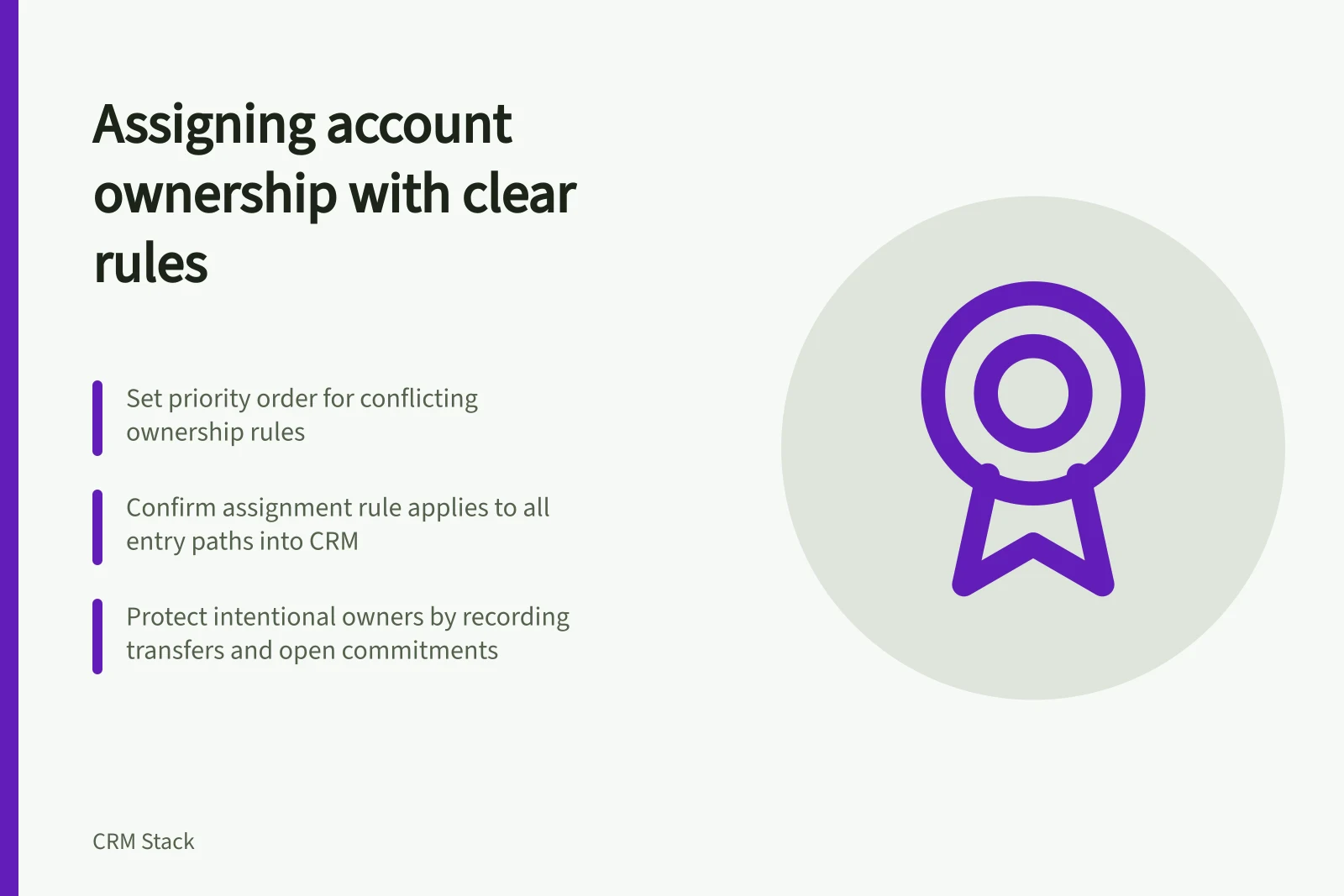
Set the decision order
The account owner coordinates the customer relationship but need not own every related deal, service case or task. Specify which record receives the owner, whether any related records should change, and who approves a transfer.
Put competing business rules in priority order. An existing customer relationship might take precedence over a new form’s location; a named strategic account might take precedence over territory; otherwise, unowned new business might be distributed within a team. These are examples, not CRM defaults.
If two conditions match, the order should produce one answer. If none matches, assign the exception to a named reviewer or queue.
Situation / Decision to define
- Existing responsible owner
- Keep the owner and review a conflicting new signal.
- Clear territory and no owner
- Assign the designated owner or team.
- Several possible owners
- Hold the account for review.
- Owner has left or changed role
- Use an approved transfer and inspect open work.
Check how the record enters the CRM
A form, import, integration, workflow or user may create a record. Confirm which paths invoke the chosen assignment feature. Zoho describes assignment rules as automating criteria-based assignment of incoming records in modules including accounts; confirm whether the rule you choose applies to each entry path.
HubSpot’s Rotate record to owner workflow action can assign records among selected users or teams on eligible Sales Hub or Service Hub Professional or Enterprise subscriptions. Assignees need eligible paid seats.
HubSpot says assignment counts for a Rotate record to owner action reset if owners are added or removed from the action after the workflow is turned on. Check the available options in the account before relying on rotation.
CRM Assignment Rule Configuration Requirements
- Zoho Assignment Rules Support
- Incoming records in accounts module
- HubSpot Rotate Record Action Eligibility
- Sales Hub or Service Hub Professional or Enterprise subscription
- HubSpot Assignee Requirement
- Eligible paid seat required
- Rotation Reset Condition
- Reset if owners added/removed after workflow activation
Protect an intentional owner
When a rule is meant for new accounts, make “unowned” an explicit condition. Handle transfers through a separate decision, such as an approved territory change.
Record the prior owner, new owner, reason and open customer commitments. Decide who covers an account when its intended owner is unavailable.
Before wider use, check cases with an existing owner, no owner, conflicting matches, an inactive assignee and each actual entry path. Inspect the resulting owner and whether that person can see and act on the account.
Check related opportunities and tasks too: changing the account owner does not, by itself, establish that every piece of customer work has moved.