Permissions
Part of CRM permissions
Giving an external partner limited account access
Define the accounts, actions and time period an external CRM partner needs. Test related data exposure and remove access when the work ends.
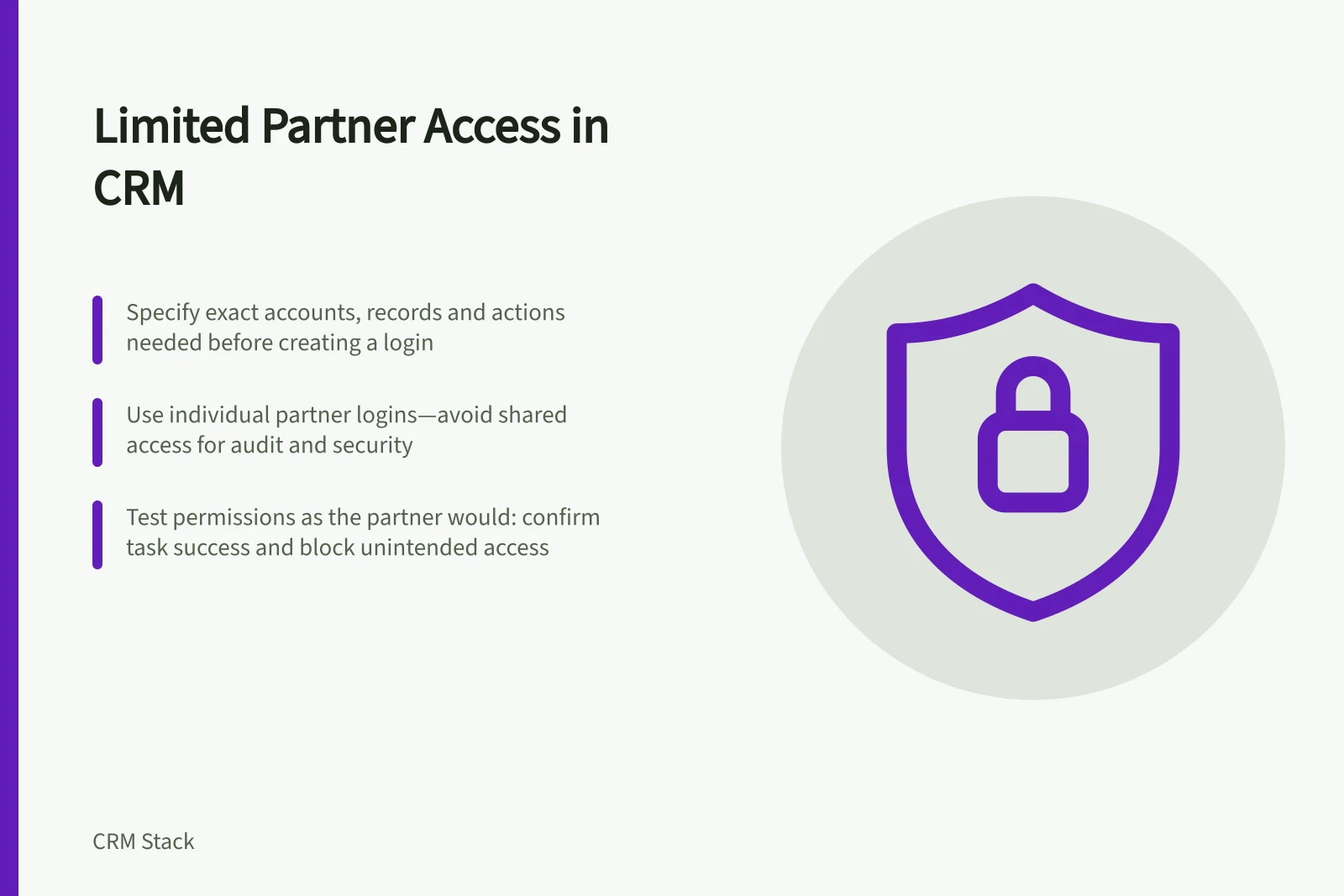
Give a partner access to the particular customer work they are engaged to perform, for a defined period. Before creating a login, specify the accounts, related records and actions they need. “Can see the account” is too broad: it leaves open whether they can read contact details, edit opportunities, download files or export a list of other customers.
Write an access brief first
Ask the internal account owner to describe the partner’s task and what completion looks like. If a distributor must update delivery dates for two accounts, the brief should name those accounts and the fields or records involved. Decide whether the partner needs read-only access, editing rights or a way to submit changes for an internal person to approve.
Record the named partner users, internal sponsor, start date and planned end date. Avoid a shared login: individual accounts make it easier to remove one person and investigate an unexpected change. Give the partner instructions for the approved route into the CRM, after checking the available authentication controls.
Before granting access, inspect the whole account context. Notes, emails, quotes, files and service cases may hold internal or personal information the partner’s task does not need. A separate partner-facing view, selected record sharing or a controlled hand-off may suit better than access to the full internal account. The available method depends on the CRM, its configuration and the partner’s licence or seat.
Test from the partner’s position
Create a test user with the proposed permissions. Confirm they can complete the assigned task, then search for an unrelated account and try to open a related file, report and export. Check whether newly added contacts or opportunities inherit access. Test what happens if the internal account owner changes or a record is moved to another team.
Cover disclosure and the end of the engagement
An Australian organisation covered by the Privacy Act should assess access to customer personal information against the applicable Australian Privacy Principles. If the partner is overseas, assess whether the arrangement involves a cross-border disclosure and what steps are required. The answer depends on the parties, the information and how it is handled; a login setting does not settle it.
At the agreed end date, remove the partner’s access and check whether another team, site or integration still gives them a route. Review outstanding tasks and records they edited so an internal owner can continue the work.
Keep a record of who approved access, what was granted and when it ended. For a short one-off request, a controlled transfer of the necessary information may be simpler than maintaining a CRM account, provided it follows the organisation’s handling rules.
Pros and cons of granting CRM access vs. controlled data transfer
- Pros of CRM access
- Real-time collaboration, audit trail via login history, consistent data versioning
- Cons of CRM access
- Higher risk of unintended data exposure; ongoing maintenance and deactivation effort
- Pros of controlled data transfer
- Simpler to manage; reduces compliance burden; avoids cross-border disclosure risks
- Cons of controlled data transfer
- No real-time updates; risk of version drift; less transparency for audit purposes
Key compliance and access metrics
- Privacy Act coverage
- Yes – Australian organisations must comply with APPs when handling personal information
- Cross-border disclosure risk
- Assess based on partner location, data type, and handling method
- Required documentation
- Record approval, granted access, and end date for audit and compliance
- Recommended approach for short tasks
- Controlled transfer may be simpler than maintaining a CRM account