Permissions
Part of CRM permissions
Removing former users without orphaning customer records
Revoke a former user's CRM access, transfer active accounts and tasks, check automations, and preserve useful customer history.
When a CRM user leaves, stop their access promptly and give their active customer work a new owner. Treat these as separate tasks. Disabling a login protects access, but it may leave accounts, opportunities, tasks, meeting links or workflows assigned to someone who can no longer act.
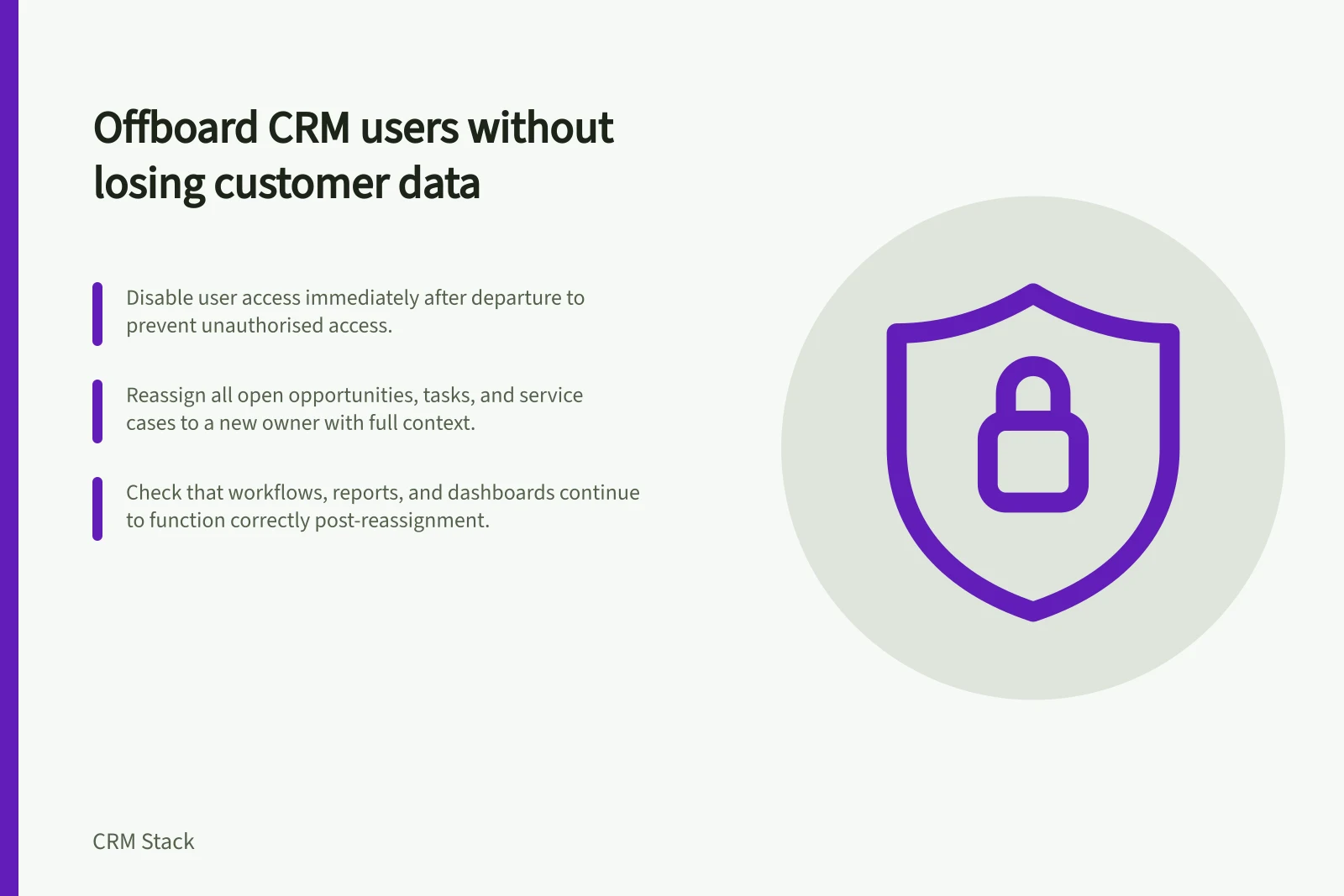
Stop access, then map the work
Coordinate the departure with the organisation’s identity and HR process. Disable the person’s CRM access and check connected sign-in methods, active sessions and any separately managed tools or integrations they used. Do not delay revocation while deciding who should inherit every account. Record when access was removed and who completed the step.
Next, build a hand-off list from the CRM. Look beyond accounts: include open opportunities, overdue and future tasks, service cases, shared inbox or conversation assignments, scheduled meetings, reports, dashboards and automations that refer to the user.
Search for their name or user ID in ownership and workflow criteria where the CRM permits it. An account may have a new owner while a customer promise still sits in the former user’s task list.
| Item | Handover check |
|---|---|
| Customer account | Is there one accountable new owner? |
| Open opportunity | Does the new owner have the deal context and next action? |
| Task or meeting | Will someone act before the promised date? |
| Workflow or integration | Does it still run, route or notify correctly? |
| Report or shared asset | Is a current owner able to maintain it? |
Reassign with relationships in mind
Choose the receiving owner by customer responsibility, not simply by who has spare capacity. Transfer a small sample first if a bulk reassignment tool is available. Check whether related records move automatically, stay with the former user or change visibility for another team.
In Microsoft Dataverse, reassignment can affect related records depending on relationship behaviour, and there is a bulk action to reassign all records belonging to a user. Bulk changes therefore need a sample and a post-change check. Other CRMs behave differently.
Preserve useful customer history. Removing a former user’s access need not mean deleting their recorded calls, decisions or attribution. HubSpot documents that deactivation blocks login while retaining the user profile and associated data, including record assignments; removal is a further step with different effects.
Check the behaviour of the CRM in use before deleting a profile. Reassign active work and assess historical data separately under the organisation’s retention rules.
Verify the hand-off
Have the receiving owner open a sample of transferred accounts and identify the latest customer commitment, next dated action and related opportunity. Check that customer-facing scheduling still works, automated assignments point to current users and reports do not silently omit the transferred work. Resolve any failed transfer before treating the offboarding as complete.
For Australian organisations covered by the Privacy Act, retaining personal information still calls for a purpose and appropriate protection; APP 11 also addresses destruction or de-identification when information is no longer needed, subject to its exceptions.
That assessment concerns the information itself. It is distinct from whether a former employee retains CRM access or whether an account has a new owner.
Key Privacy and Compliance Considerations (Australia)
- 11APP – Security of Personal Information — Requires protection of personal information even after offboarding.
- 11APP – Deletion or De-identification — Personal info must be destroyed or de-identified when no longer needed.