Permissions
Part of CRM permissions
Reviewing administrator permissions
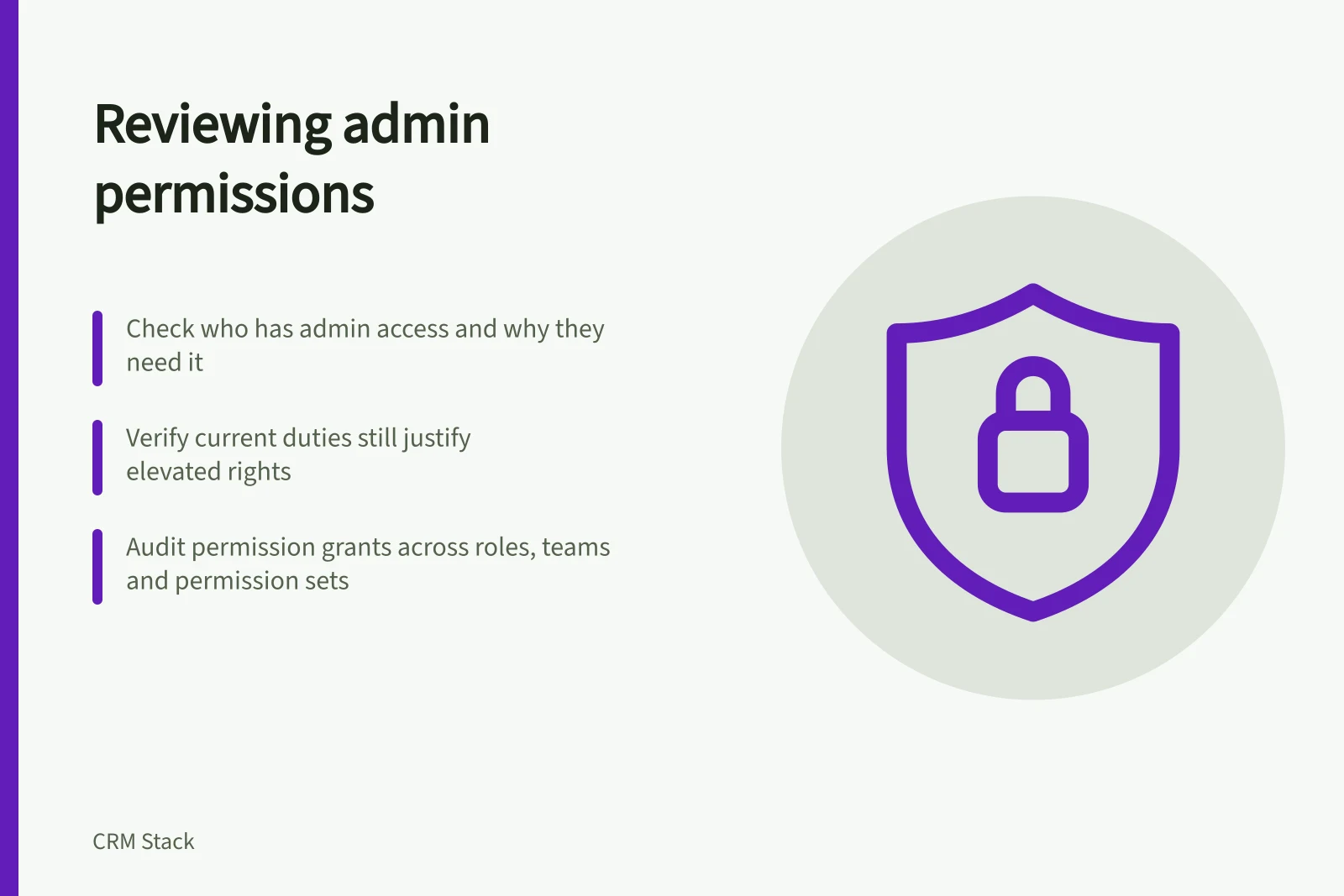
Inventory CRM administrators, compare grants with current duties, inspect audit history and record decisions when privileged access changes.
Review CRM administrator permissions by checking who has powerful access, why they need it and whether their current duties still justify it. An administrator may be able to change sharing rules, manage users, alter integrations or reach large amounts of customer data. A job title alone is a poor reason to keep those rights indefinitely.
Key CRM Security Practices in Australia
- Audit logs available in HubSpot
- Yes (varies by subscription tier)
- Salesforce Setup Audit Trail
- Available
- Dynamics 365 security roles for sales
- Defined and configurable
- Cyber.gov.au guidance on admin privileges
- Restrict administrative access to minimise risk
Inventory the actual grants
Export or inspect current user and permission assignments using the CRM’s available controls. Include full administrators, narrower configuration roles, users who can manage permissions or exports, integration identities and any external consultants with elevated access.
For each account, record a human owner, business purpose and approval. Note whether the account supports daily sales work, occasional configuration work or an integration.
Look for grants from several places. A user may receive permissions directly, through a team or role, or through an added permission set. Check effective rights before concluding that removing one assignment will narrow access. Also check whether a former project or vendor engagement explains an exception that is still active.
Compare access with the work
Ask the responsible manager to identify the tasks that require each privileged grant. Someone who reviews sales performance may need reports but not user administration.
A colleague who adjusts a pipeline may need configuration rights for that work without broad authority over security settings. Where the CRM allows narrower privileges, use them and test the resulting workflow with the person doing the task.
Review question / Evidence to examine
- What can this account change?
- Effective role, permission set and team grants
- Why is the grant needed now?
- Current task and approving owner
- What did it change recently?
- Available setup or account audit history
- What happens if access is reduced?
- Test of the required task with narrower rights
Keep a reliable way for authorised staff to recover administrative access, but define who can use it and how its use is recorded. Avoid making broad rights the routine answer to a single blocked task.
Review changes and repeat at the right moments
Inspect available audit history for permission changes, new integrations and changes to sharing settings. HubSpot documents account audit logs, with available data varying by subscription.
Salesforce’s page title indicates a Setup Audit Trail. Neither replaces a current inventory: an audit log tells you what changed, while the inventory tells you who can act now.
Repeat the review when an administrator changes role, a consultant finishes work or a system integration is replaced. Include administrator grants in a scheduled access review as well.
Revalidate privileged access regularly and when duties change or staff leave. Record the decision and the reviewer so a retained exception remains explainable.