Pipeline Design
Part of CRM integrations
Passing closed deals to operational systems
Define when a won deal is ready for operations, send an identifiable request and handle acknowledgement, retries and later changes.
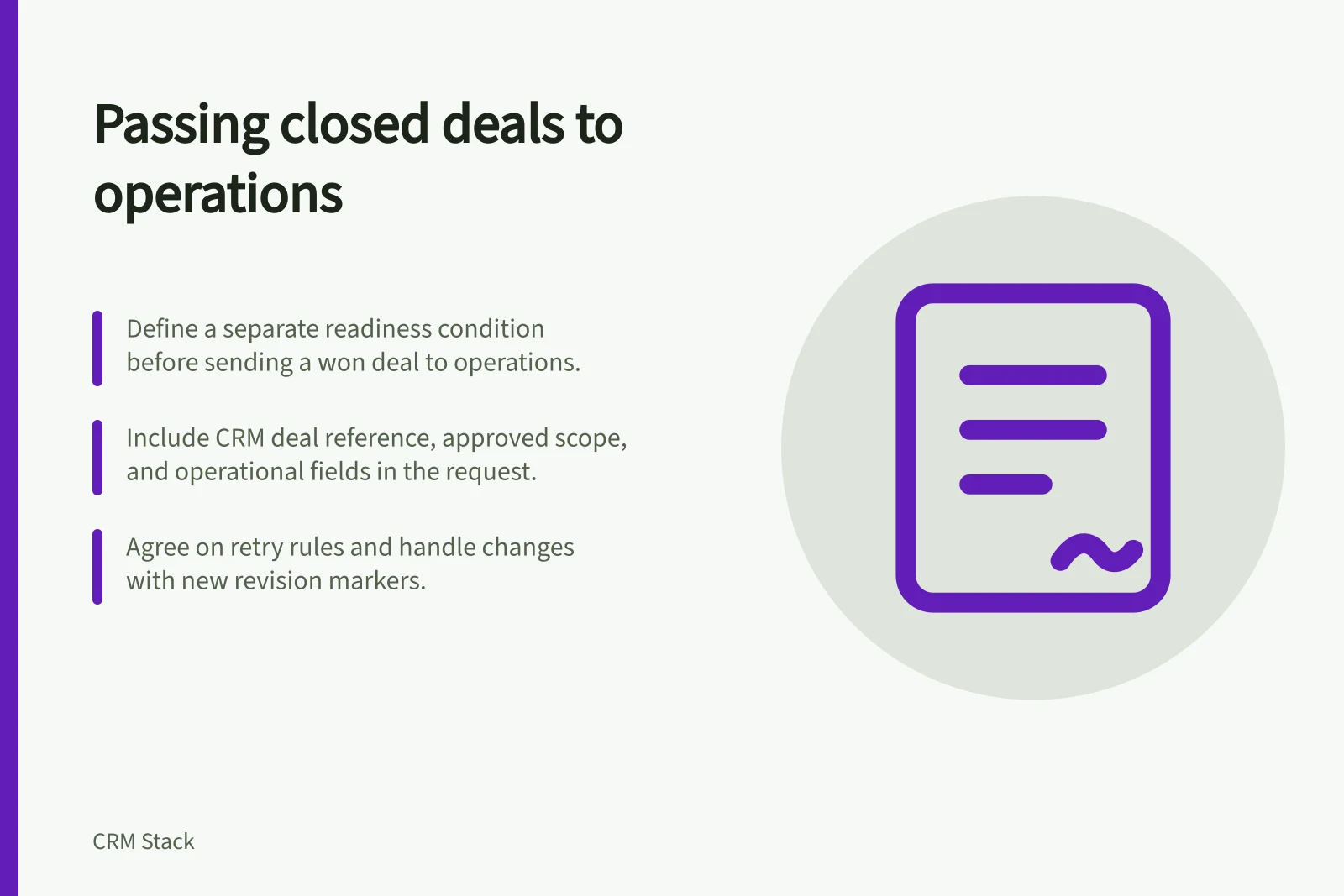
Send a won deal to operations when the receiving team has the approved information needed to start work. A sales stage records a commercial outcome; it does not show that delivery details are ready. Define a separate readiness condition. Ask the receiving system to accept or reject the request.
Agree when the request is ready
List the fields and approvals required for the particular service. They might include agreed scope, delivery location, start date, billing details or an implementation contact. Mark missing items as unresolved rather than filling them with guesses.
If an agreement may change after the deal is marked won, decide whether operations waits or receives a clearly labelled preliminary request.
Make the trigger specific. Editing the deal title should not create another job. A deal returned to negotiation needs a rule for a request operations already accepted. Agree those cases with the receiving team before configuring the transfer.
Steps to Pass a Closed Deal to Operational Systems
- Define readiness criteriaList required fields and approvals (e.g. scope, delivery location, start date, billing details)
- Ensure data accuracyMark missing items as unresolved; do not guess or fill in defaults
- Confirm trigger conditionsOnly trigger when deal is won and all readiness criteria are met; avoid unintended triggers from title edits
- Agree on handling changesDecide if operations waits for final agreement or accepts preliminary requests
Pros and Cons of Accepting Preliminary Requests
- ProsAccelerates delivery timelines; reduces wait time for operations
- ConsRisk of rework if scope changes after acceptance; may lead to confusion if not clearly labelled
Send a request that can be recognised
Include the CRM deal reference, customer reference, approved revision, required operational fields and an internal owner for questions. Use a stable request reference so the receiver can identify a repeat delivery.
Ask the operational system to return its job or order reference and a state such as accepted, rejected with reason, or awaiting clarification. A sent message alone is not proof that work was accepted.
Copy only approved fields and documents needed for the operational purpose. For organisations subject to the Australian Privacy Principles, an APP privacy policy must contain the purposes for which personal information is collected, held, used and disclosed, and whether it is likely to be disclosed to overseas recipients. Coverage and requirements depend on the circumstances.
Request Transfer Process from CRM to Operations
- Include key identifiersCRM deal reference, customer reference, approved revision, internal owner for queries
- Require acknowledgementOperational system must return job/order reference and state: accepted, rejected (with reason), or awaiting clarification
- Use stable request referenceEnable tracking of repeat deliveries and prevent duplication
Handle retries and changes
An integration can retry after an error even when the receiver has already acted. HubSpot's webhook feature is available in contact-based workflows on Data Hub Professional or Enterprise, and HubSpot notes that webhook traffic is regulated separately and that a slow or timed-out webhook may take longer to execute.
Microsoft recommends testing cloud flows and using Flow Checker and Test Flow to identify and fix problems with flow logic, actions and connectors. Check the destination by request reference before replaying a transfer.
When scope changes after acceptance, retain the same deal reference and send a new revision marker. Agree whether operations updates, pauses or cancels existing work. Give a rejected request a reason and a sales owner to resolve it without silently changing the approved scope.
Before launch, check a complete won deal, missing required data, a repeated transfer, a late revision and a reversal after acceptance. Compare the CRM state with the operational record and confirm that the receiving team can act on what arrived.
Pre-Launch Validation Checklist
- Verify complete won dealAll required fields and approvals present
- Check for missing dataNo unresolved mandatory fields
- Test repeated transferEnsure duplicate requests are prevented
- Validate late revisionsHandle scope changes post-acceptance with new revision markers
- Confirm reversal handlingReversals after acceptance must be tracked and managed appropriately