Pipeline Design
Part of CRM sales pipelines
Setting required information at a deal stage
Decide which deal details a stage truly needs, choose prompts or blocking fields, and check exceptions and integration paths.
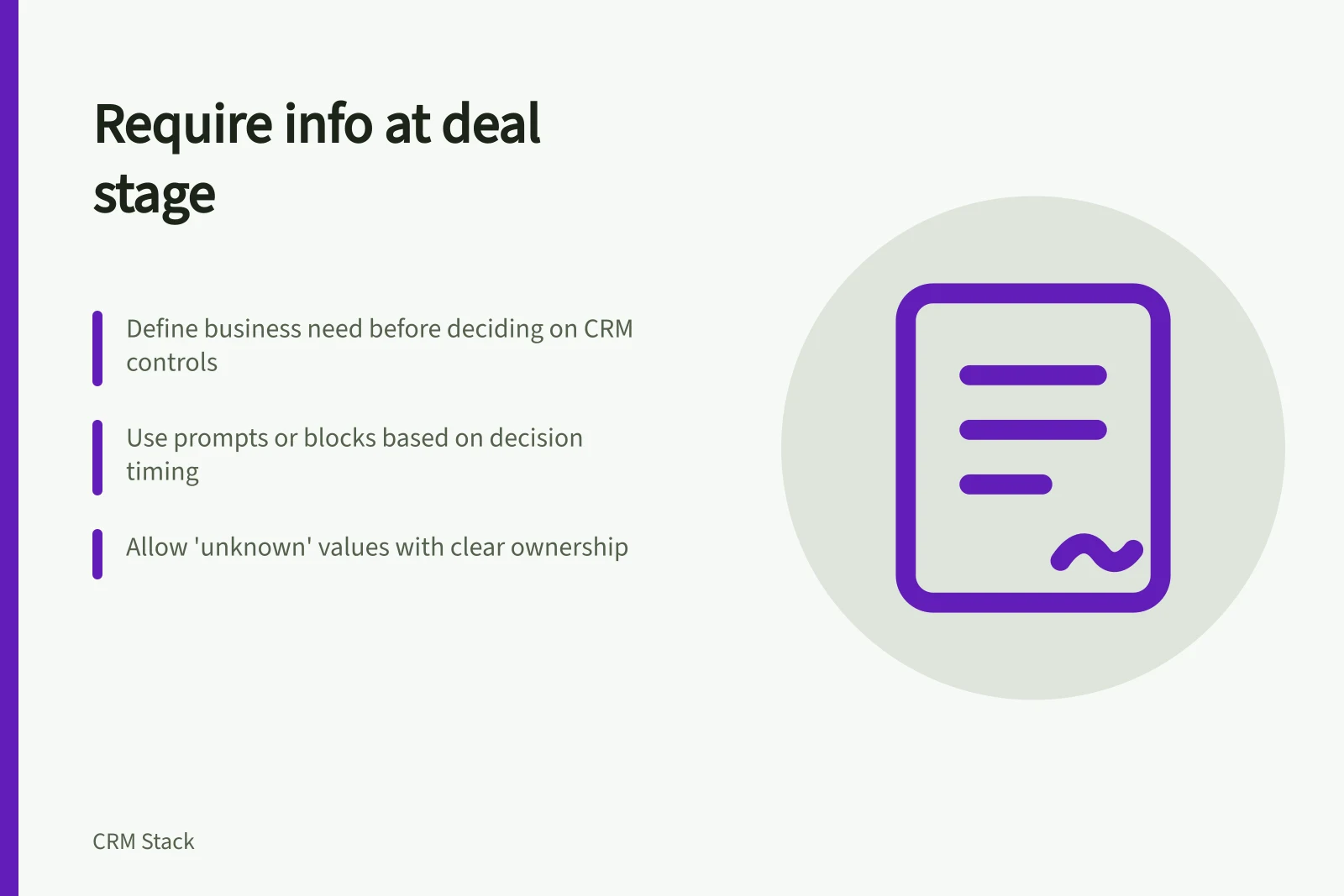
Require information at a deal stage when someone needs it to make the next decision or carry out the next hand-off. Define the business requirement first, then decide whether the CRM should block a stage change, show a prompt or send an incomplete deal for review. A mandatory field can ensure that a value is entered; it cannot ensure that the value is true.
Identify the decision the field supports
Take one stage and ask what the next person needs to know. At a proposed “proposal presented” stage, a receiving colleague may need the proposed scope and the date it was presented. They may not yet know the customer’s final approval route. Requiring an unconfirmed decision-maker at that point invites a guess.
For each proposed field, record its purpose, source and owner. If no one can explain the decision it supports, leave it optional or remove it from this stage’s requirements.
| Information | Require now when… | Keep unresolved when… |
|---|---|---|
| Proposed scope | A reviewer needs it before the proposal can be treated as presented | The offer is still being drafted |
| Customer decision date | The customer or buying process has supplied one | The date is only the seller’s hope |
| Approval contact | The person has been identified or confirmed | The buying group is still being mapped |
The table is an example. Your stage definitions and hand-offs determine the actual requirements.
Steps to Define Required Information at a Deal Stage
- Identify the decision the next person needs to makeAsk: What must the recipient know before acting?
- Define the purpose, source and owner of the fieldEnsure accountability and clarity—remove fields with no clear business need.
- Choose the lightest useful controlUse prompts where possible; block only when necessary for risk or compliance.
- Test exceptions and integration pathsValidate outcomes across imports, bulk edits and automations.
Choose the lightest useful control
Use a visible prompt when missing information should draw attention but should not stop legitimate progress. Use a blocking required field when a deal cannot responsibly enter or leave a stage without it.
Provide an exception route for information that a customer cannot yet supply. A value such as “unknown” may be useful if it has a defined meaning and review owner; a fabricated name or date is not.
Different products implement these controls differently. HubSpot’s pipeline documentation covers creating and editing pipelines or stages, and states that Edit property settings permissions are required for those actions. Check each import or integration route separately before relying on a stage rule.
Pipedrive documents stage-specific required deal fields and a softer “important” field reminder. Its required-fields page says imports, bulk edits, APIs, automations and third-party integrations can move deals without that required-field control stopping them. Its required-fields page states the feature is available on Professional and higher plans, so confirm availability for the proposed subscription.
Control Options for Required Deal Information
- Visible PromptDraws attention to missing information without blocking progress; suitable when the info is helpful but not critical for stage transition.
- Blocking Required FieldPrevents a deal from advancing unless the field is completed; used when the information is essential for responsible progression.
- Exception Route (e.g., 'Unknown')Allows placeholder values with defined meaning and ownership; avoids fabrication of data when customer cannot yet provide details.
Check the transition and the exception
Before enabling a rule widely, write expected outcomes for a complete deal, a genuinely unknown value, a deal moved backwards and a deal changed through each import or integration path you use.
Inspect the resulting record, not just whether a save was blocked. Did the required value describe the right opportunity? Is it current? Can the next colleague make the intended decision?
Review deals with repeated placeholder values or frequent exceptions. Those patterns may mean the field is required too early, the stage meaning is unclear, or the information belongs in another record.
Require only information that supports the decision at this stage.
Review Checklist Before Enabling Stage Rules
- Complete deal with all expected dataVerify the record reflects accurate, current information at each stage.
- Deal with genuinely unknown valueConfirm that 'unknown' or similar placeholders are valid and reviewed by an owner.
- Deal moved backwards through pipelineEnsure required fields aren't re-triggered unnecessarily on rollback.
- Deal changed via import, API or integrationCheck if automation paths bypass required-field controls—especially in Pipedrive Professional+ plans.