Pipeline Design
CRM sales pipelines
Set up a CRM sales pipeline with clear deal boundaries, meaningful stages, next actions and a practical review routine.
A CRM sales pipeline shows where each open deal stands in an agreed sales process. Make it useful by defining what each stage means, moving deals when there is evidence of progress, and keeping the next decision visible.
Decide what belongs in the pipeline
Track a deal when there is a particular potential purchase to progress. An account relationship may continue for years, while one deal has its own scope, owner and outcome. A new conversation with an existing customer may become a separate deal if it involves a separate purchase decision. A routine call does not need its own deal.
Choose the point at which an enquiry becomes a deal. The team should know what minimum evidence shows that a potential sale exists, and where an enquiry waits before that point. Otherwise, early enquiries can make the pipeline look larger without giving anyone a clear sales decision to manage.
Separate pipelines only for distinct processes
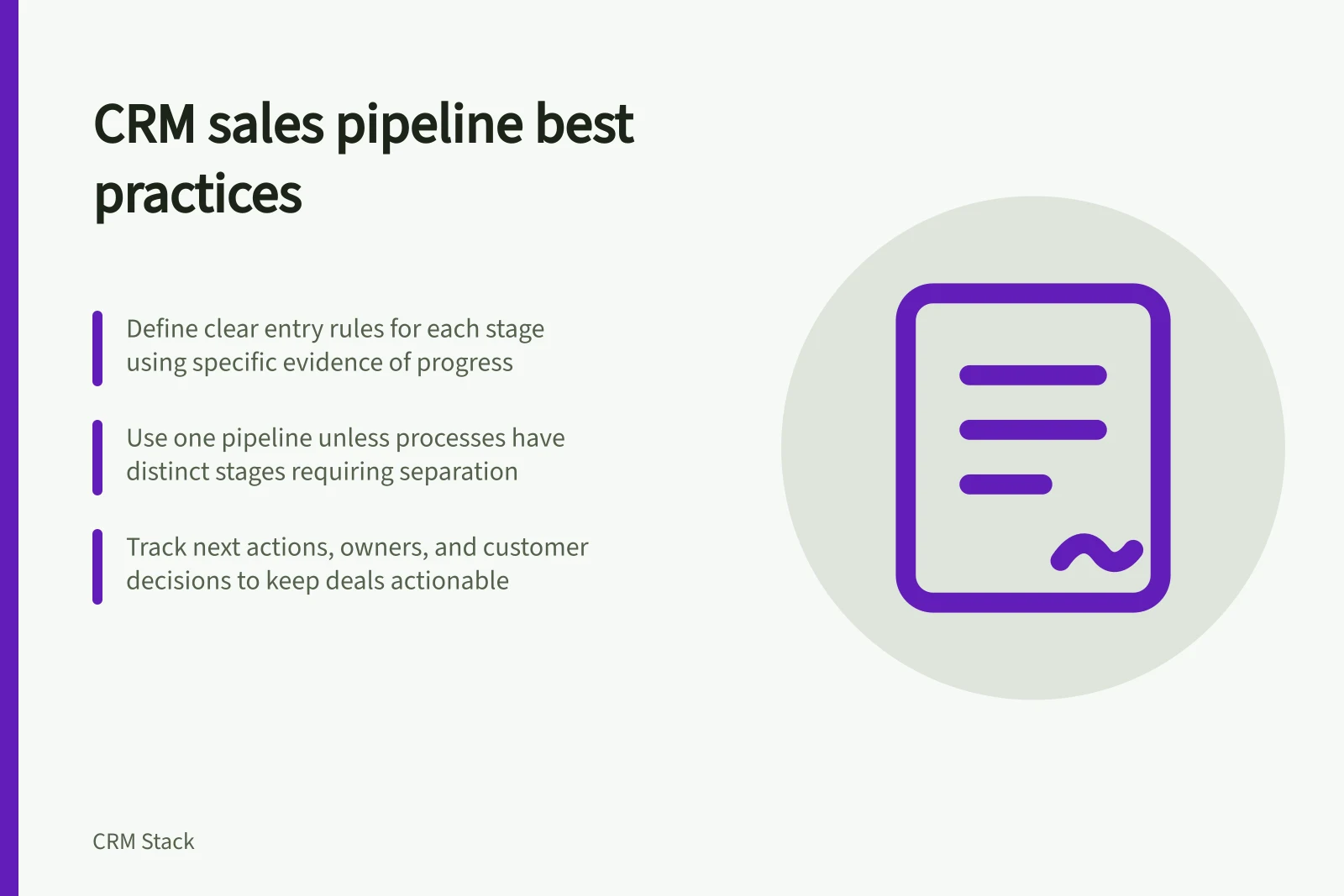
A second sales process does not automatically need a separate pipeline. HubSpot recommends separate pipelines when processes have unique stages that require different pipelines; otherwise, the same pipeline can be used. Compare the actual progress steps before splitting a process, so pipeline boundaries reflect differences in how deals move rather than team preference.
Give stages a shared meaning
A stage should describe a position in the buying process that a colleague can recognise from the record. For example, “proposal presented” is clearer than “proposal” if the distinction is whether the customer has received it. Write an entry rule for each stage: what has happened, what evidence supports it and what remains unresolved.
Do not create a new stage for every internal task. Drafting a proposal, obtaining an approval and arranging a meeting may all be work within one stage. Use a separate stage when the distinction changes how the team manages or reviews the deal.
Include clear won and lost outcomes so closed deals are distinguishable from open deals.
Keep the deal useful between stage changes
A stage alone cannot tell the next person what to do. An open deal also needs an accountable owner, the purchase under discussion, the current customer position and a specific next action. A close date should express a defensible expectation, with uncertainty visible when the customer has not given a decision date.
Consider a customer who has received a proposal but asked for a revised service boundary. The stage may still be “proposal presented”. The deal record should show the requested change and who will send the revision. Moving it to “negotiation” simply to signal that the salesperson is busy would blur the stage definition.
| Review question | What to inspect |
|---|---|
| Is this an active purchase decision? | Scope, customer interest and an owner |
| Is the stage justified? | The event or customer response required by its entry rule |
| Can someone act next? | A named action, owner and date |
| Is the deal still open? | A current decision path or a reason to pause, close or revisit it |
These are operating checks, not universal CRM fields.
Treat probability and forecast judgement separately
Pipedrive distinguishes stage probability, the likelihood of winning a deal based on its current stage, from deal probability, the likelihood of that particular deal being marked Won. A deal-specific probability takes precedence over stage probability and is used for that deal’s weighted value. Neither setting proves that an individual customer will buy.
A forecast category answers a different question: how the deal should be treated in a forecast. In Dynamics 365 Sales, the forecast category on an opportunity determines its forecast-grid column. Review stage, probability and forecast category as separate values when they affect a management decision.
CRM platform approaches to pipeline stages and forecasting
- HubSpot CRMAllows custom pipeline stages with entry rules; no built-in forecast categories.
- PipedriveUses stage probability (based on stage) and deal probability (override); supports forecast categories.
- SalesforceSupports forecast category mapping to determine reporting columns; uses weighted forecasts.
- Dynamics 365 SalesForecast category determines grid column placement; integrates stage probability and deal-level forecasts.
Review exceptions before changing the design
During a pipeline review, ask the owner of a stalled deal what evidence supports its stage and what decision comes next. A deal can remain in a valid stage while the customer waits for an internal approval. Record the waiting reason instead of inventing a stage called “stalled”. If many deals repeatedly need the same exception, revisit the stage rule or the work around it.
Before changing a live pipeline, identify deals already in each stage and any reports, automations or integrations that use its name or internal value. Map existing deals to the revised meanings and check ordinary and awkward cases before wider use.
In this guide
- Defining pipeline stages from observable progressWrite stage entry rules based on observable sales progress, resolve awkward cases and check that colleagues classify deals consistently.
- Setting required information at a deal stageDecide which deal details a stage truly needs, choose prompts or blocking fields, and check exceptions and integration paths.