Automation
Part of CRM integrations
Syncing email activity without exposing unrelated messages
Set email logging and sharing rules before connecting a mailbox to CRM, then check exclusions, linked records and what colleagues can see.
Share only the email activity colleagues need for customer work. Then check the linked CRM record from another user's account.
Connecting a mailbox can bring in more conversation than the team intended. Set rules for which threads are logged, which are shared and how a message is linked when one contact has several deals.
Choose what belongs in the CRM
A hand-off may need an agreed scope or a recent customer commitment, not every reply or attachment in the mailbox. Decide whether users log selected messages, use automatic matching with exclusions, or record an approved summary. Set separate rules for personal mailboxes and shared team inboxes.
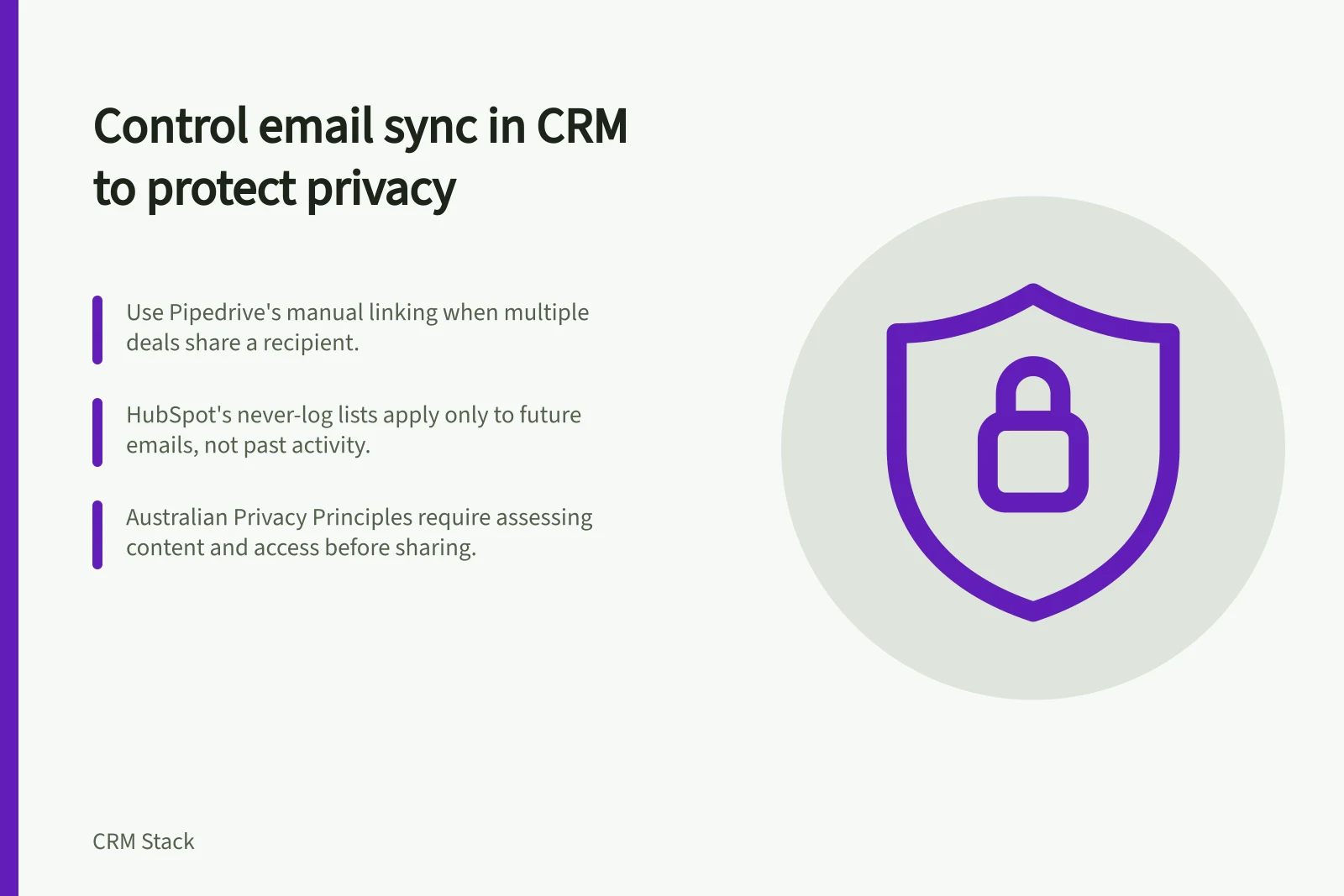
Where several open deals have the same recipient, check the deal association. Pipedrive says automatic linking can associate an email with an open deal linked to that recipient. It suggests manual linking when several open deals could cause confusion.
Check the controls and their limits
HubSpot has personal and account-wide never-log lists for addresses or domains. They apply to future logging, not previously captured activity. On a message with several recipients, activity can still log to contacts who are not excluded.
The lists also do not apply to emails sent to or from third-party integrations. Check the actual route by which mail enters the CRM before relying on an exclusion.
Pipedrive email sync is documented for Growth and higher plans. A personal Pipedrive inbox is visible only to its user unless they choose to share emails.
Pipedrive lets users choose to share conversations across their team or keep them private. A team account allows multiple users to access and manage emails from a shared address. Pipedrive also says a blocked address may not keep a mixed-recipient message out if a non-blocked address is included.
Inspect what another user can see
Check an ordinary customer email, an internal-only message, a sensitive thread, a mixed-recipient message and a contact with two open deals. View the linked contact and deal as the sender and as colleagues with different access. Inspect the whole visible thread, including earlier replies and attachments where present.
If a message was logged or shared incorrectly, address the existing activity separately. Adding a HubSpot never-log entry does not remove it. The organisation may also need to follow its correction and retention process.
For organisations subject to the Australian Privacy Principles, APP 6 governs use or disclosure for a secondary purpose, subject to its conditions and exceptions. APP 11 addresses protection from unauthorised access or disclosure.
Assess the actual content, purpose and access pattern rather than treating a mailbox connection as permission to share every message.
Key Compliance and System Limits in Australia
- APP 6 – Secondary Use
- Requires consent or valid exception for using personal information beyond original purpose
- APP 11 – Data Protection
- Organisations must protect personal information from unauthorised access or disclosure
- HubSpot Never-Log List Limit
- Does not remove previously logged activity; applies only to future messages
- Pipedrive Plan Requirement
- Email sync available on Growth and higher plans only