Adoption
Part of CRM implementation
Choosing a pilot team for CRM adoption
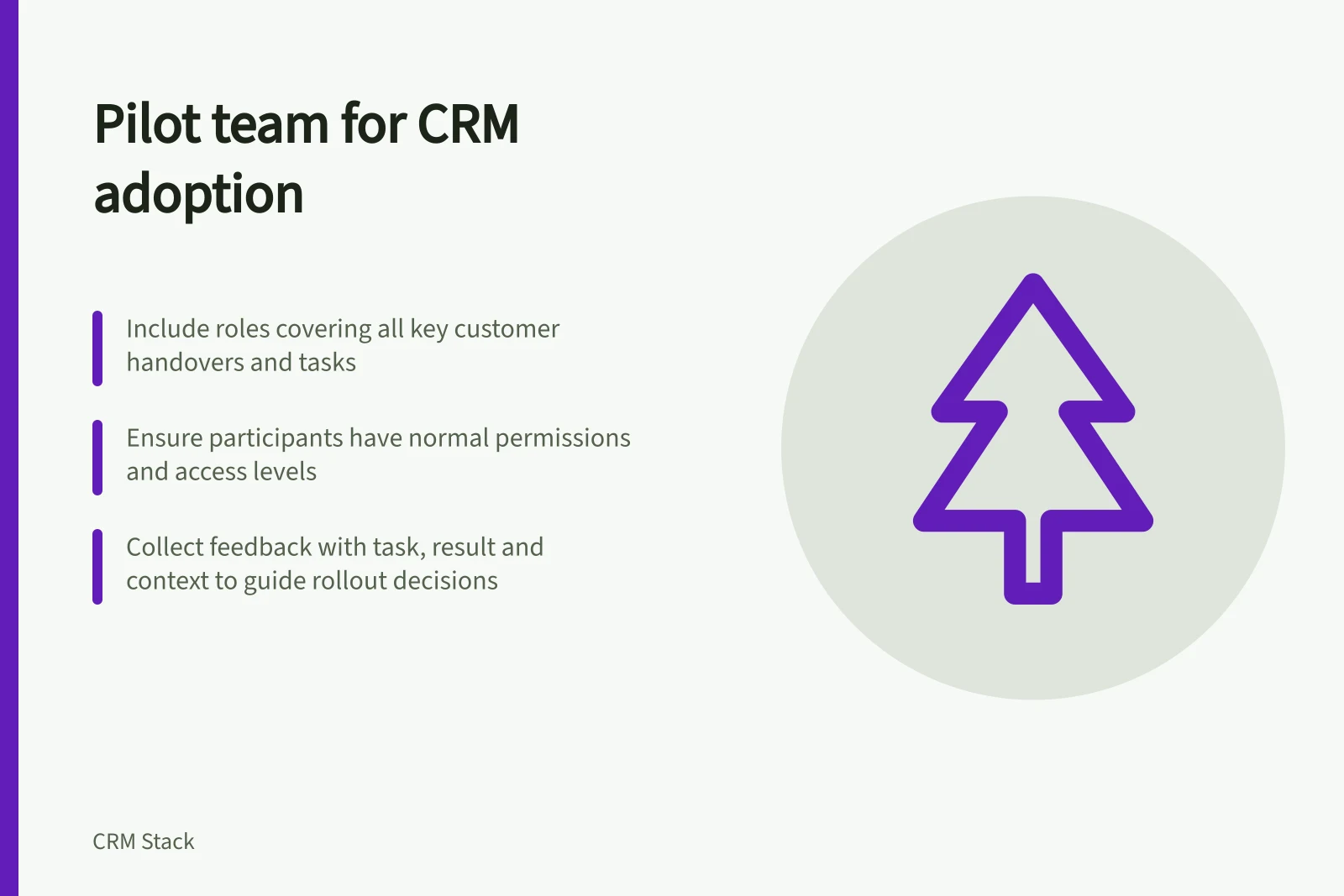
Select CRM pilot users by role, workflow and exception, then give their feedback a clear route into the rollout decision.
Choose a CRM pilot team for the work its members can represent. Cover the roles, handovers and customer situations in the first release, give participants time to use the system, and name someone who can act on feedback. Enthusiasm helps but does not replace coverage of the work.
Build a coverage list first
List the tasks the pilot must expose. If representatives receive enquiries, a manager reviews opportunities and operations accepts won work, include people who perform those tasks or receive those handovers. Include different access levels where they affect the workflow. One participant can cover several cases; aim for coverage, not one representative per job title.
Add cases that could change the rollout decision: an existing customer with a new request, an account changing owner or work arriving with missing information. For each case, identify the person who normally handles it. A pilot of only administrators or experienced CRM users can miss problems faced by staff using ordinary permissions.
Use a short selection brief:
Question / What to record
- Work represented
- The customer task or handover the person performs.
- Access represented
- Their role and the records they need.
- Distinct case
- An exception their work can reveal.
- Availability
- Time to complete tasks and explain obstacles.
- Decision route
- Who can resolve an issue they raise.
Choose a group small enough to support and broad enough to cover the in-scope work. A fixed headcount cannot establish that coverage.
Give participants a clear assignment
Tell each person which processes and records are in scope, what remains in the existing system during the pilot, and how to protect a customer commitment if a task is blocked. Arrange their normal permissions and time for both task completion and feedback. Include a receiving colleague when the pilot must check whether a handover is usable.
Prepare familiar scenarios before participants start: accept an enquiry, find an existing customer, update an opportunity, change its owner and leave a next action. Ask participants to do the work themselves.
Microsoft’s Dynamics 365 guidance describes user acceptance testing as a check of whether users can operate the business with a new solution and recommends familiar data and daily processes. That supports the choice of scenarios; it does not prescribe the pilot team's size or prove readiness.
Collect feedback that can guide a decision
For each obstacle, capture the attempted task, expected result and what happened. Distinguish a system defect, unclear business rule, missing data and training question. Give each issue an owner. A comment such as “the CRM is slow” needs the affected task and context before anyone can investigate it.
Ask about workarounds. If a participant uses a private spreadsheet because the next colleague cannot find a commitment, inspect the handover. If several participants enter placeholder values, check whether a field is required too early. Review a proposed correction with the people affected by it.
Decide whether the group has covered the work
At the end, check each in-scope task and its unresolved issues. Could the intended user complete it with normal permissions and leave a record the next person can use? Does a remaining exception have an owner and an agreed temporary route? Record whether to proceed, revise and repeat a case, or delay wider use.
Attendance and logins show participation, not whether the pilot covered the customer work. Keep the coverage list and issue decisions with the rollout record so the next group knows what was checked.