Adoption
Part of CRM implementation
Training users on the minimum reliable record
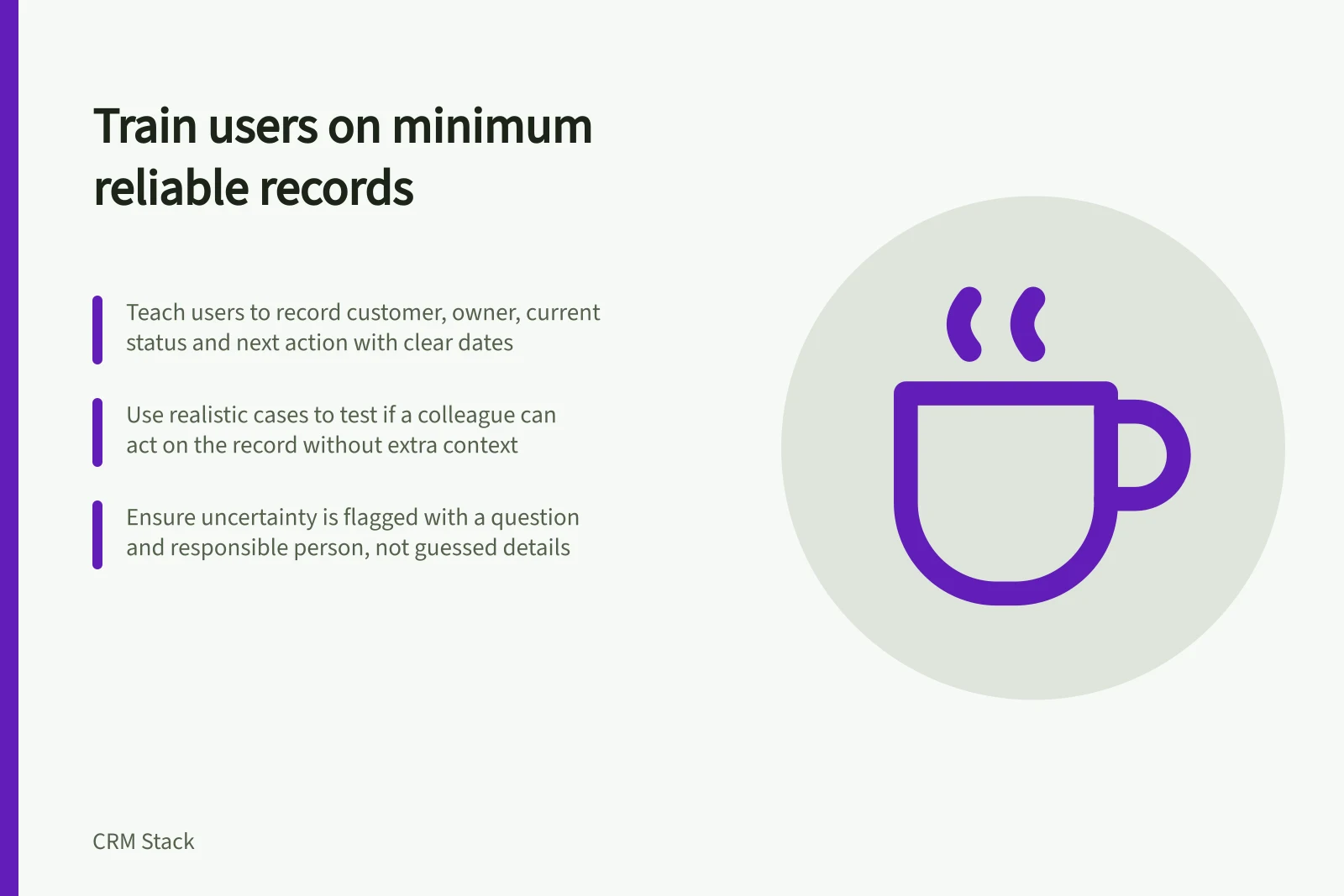
Teach CRM users to leave a customer record the next colleague can act on, including ownership, current position, next action and uncertainty.
Train CRM users to leave a record the next person can understand and act on. For an open sales item, that usually means the intended customer and work item, a responsible owner, the current position and a clear next action. Teach users to mark uncertainty rather than reward a filled screen.
Define the minimum from the handover
Open a typical opportunity. Ask what a colleague would need if its owner were unavailable tomorrow: the customer and purchase, what has happened, what remains unresolved and who acts next. Turn those answers into a short local standard. Exact fields depend on the team's process and CRM configuration.
| Item | Reliable entry | Weak entry |
|---|---|---|
| Customer link | The intended account and relevant contact | A similar-looking company chosen without checking |
| Current position | An event or response that explains the status | “Looking good” without stated progress |
| Ownership | A person responsible for the open work | An inactive or default owner |
| Next action | A specific action with an owner and agreed date or review point | “Follow up soon” buried in a note |
| Uncertainty | A question and the person who will resolve it | A guessed date or decision-maker |
This is a training example, not a universal list of mandatory fields. A closed item may need an outcome, not another task. A customer with no active opportunity may need a different standard.
Minimum Reliable Record vs Weak Entry
- Customer link
- The intended account and relevant contact
- Customer link
- A similar-looking company chosen without checking
- Current position
- An event or response that explains the status
- Current position
- “Looking good” without stated progress
- Ownership
- A person responsible for the open work
- Ownership
- An inactive or default owner
- Next action
- A specific action with an owner and agreed date or review point
- Next action
- “Follow up soon” buried in a note
- Uncertainty
- A question and the person who will resolve it
- Uncertainty
- A guessed date or decision-maker
Demonstrate one handover
Use a realistic case with an incomplete answer. An existing customer asks for a revised service scope but has not confirmed a decision date. Ask a trainee to find the correct customer, update the relevant opportunity, record the requested revision and assign the next action. The decision date stays unresolved under the team's agreed convention.
Ask a second person with normal permissions to open the record and explain their next step. If they cannot find the request or action, revise the entry rule or the screen used for the task. The exercise checks whether the handover is usable without a long activity log.
Teach correction alongside entry
Show how to report a mistaken customer link, an owner who has left or an import value that does not fit. Make clear when a user can correct the record, when to request help and when an item should remain pending. A required field can demand an entry; it cannot establish that the entry is true.
Keep personal information proportionate to the customer task and the user's access. For organisations subject to the Australian Privacy Principles, APP 1 covers open and transparent management of personal information and requires an up-to-date privacy policy. Apply the organisation's handling rules to training examples and CRM records.
Check the task, then improve the aid
After a demonstration, ask users to complete a case relevant to their role without prompting. Review each result: can a colleague find the customer, understand the open question and take the next step?
Note repeated confusion and adjust the training aid or workflow. Microsoft's Dynamics 365 training guidance recommends matching training to roles and business processes, using realistic scenarios and improving materials through feedback. The minimum record remains the team's decision.
Give users the agreed short standard during ordinary work. Revisit it when the sales process or handover changes.
Training Principles from Microsoft Dynamics 365 Guidance
- Match training to roles and business processes
- Recommended by Microsoft Dynamics 365 guidance
- Use realistic scenarios
- Improves relevance and retention
- Improve materials through feedback
- Ongoing refinement ensures usability