Pipeline Design
Part of CRM activity management
Tracking a next step with an owner and date
“Follow up” is a prompt, not an action. A CRM task becomes useful when someone can tell what completion looks like, who owns it and when it is due.
“Follow up” is a prompt, not an action. A CRM task becomes useful when completion, owner and due date are clear.
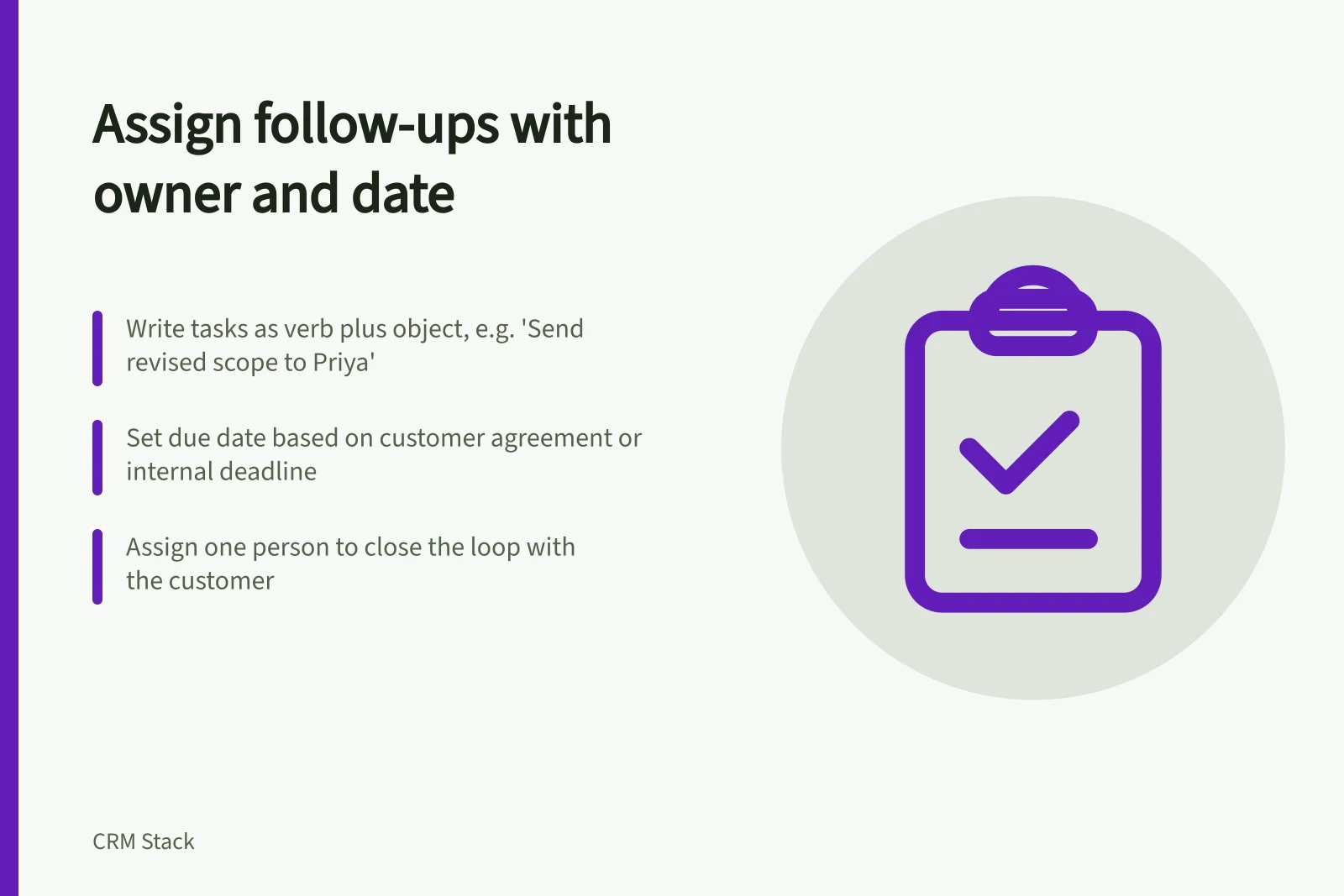
Write the task as a verb plus an object: “Send revised scope to Priya” or “Confirm installation availability with operations”.
Add the due date agreed with the customer, or an internal deadline early enough to meet the promise.
If the answer depends on another person, assign the internal request separately. Keep one person responsible for closing the loop with the customer.
Before saving, check four fields:
Field / Question
- Action
- Is the deliverable specific enough to complete?
- Owner
- Is one person accountable?
- Due date
- Does it leave time for dependencies?
- Related record
- Will the task appear in the right customer context?
A reminder may help the owner, but it cannot replace a realistic due date or a team process for overdue work. HubSpot, for example, documents task assignees, due dates and reminders; the available settings and subscription conditions should be checked in the account being used.
When the action is done, record the outcome. If the customer needs another response, create the next task instead of repeatedly moving the original due date without explaining why.
Before saving a CRM task: Key fields to verify
- ActionIs the deliverable specific enough to complete?
- OwnerIs one person accountable?
- Due dateDoes it leave time for dependencies?
- Related recordWill the task appear in the right customer context?
How to track a next step with an owner and date in HubSpot
- Write the task as a verb plus objecte.g., ‘Send revised scope to Priya’ or ‘Confirm installation availability with operations’
- Set a clear due dateUse the agreed customer date or an internal deadline early enough to meet promises
- Assign ownershipEnsure one person is responsible for closing the loop with the customer
- Link to the correct recordEnsure the task appears in the right customer context (e.g., contact, deal)
- Record the outcome when completedCreate a new task if another response is needed — don’t just reschedule the original